An online invitation that fills in your guest list
Pick a design, fill in your day and send one link. Your guests' answers land straight in your list.
See how it looks
Real invitations with made-up names. Tap one to open it the way your guests will — envelope, countdown and all.

Palace doors
AMD 9,900
Regular price AMD 21,900
Photo booth
AMD 9,900
Regular price AMD 21,900
Scratch card
AMD 9,900
Regular price AMD 21,900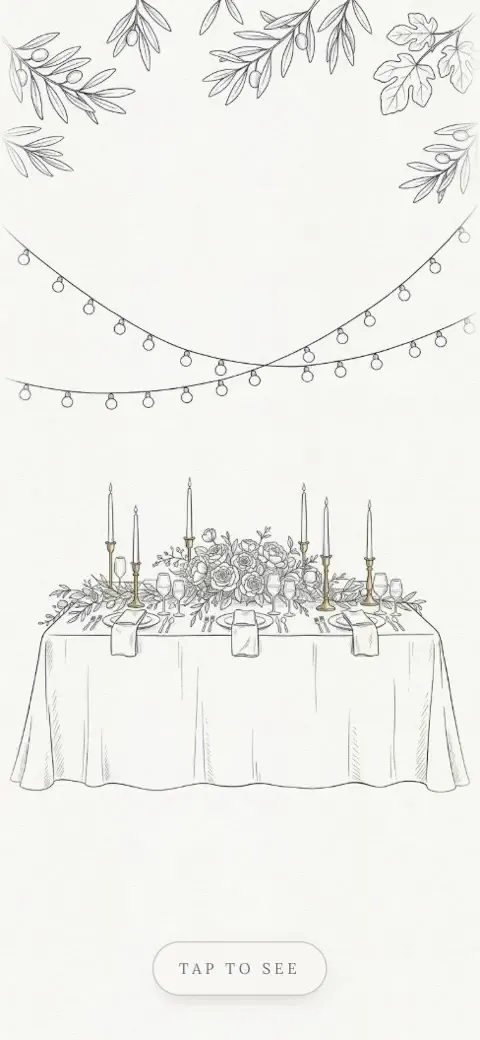
Candlelight
AMD 9,900
Regular price AMD 21,900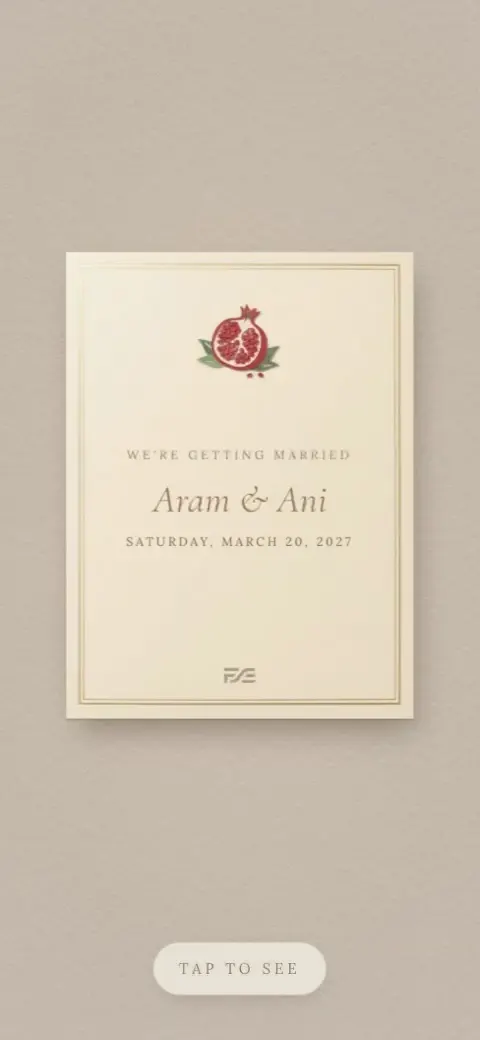
Pop-up card
AMD 9,900
Regular price AMD 21,900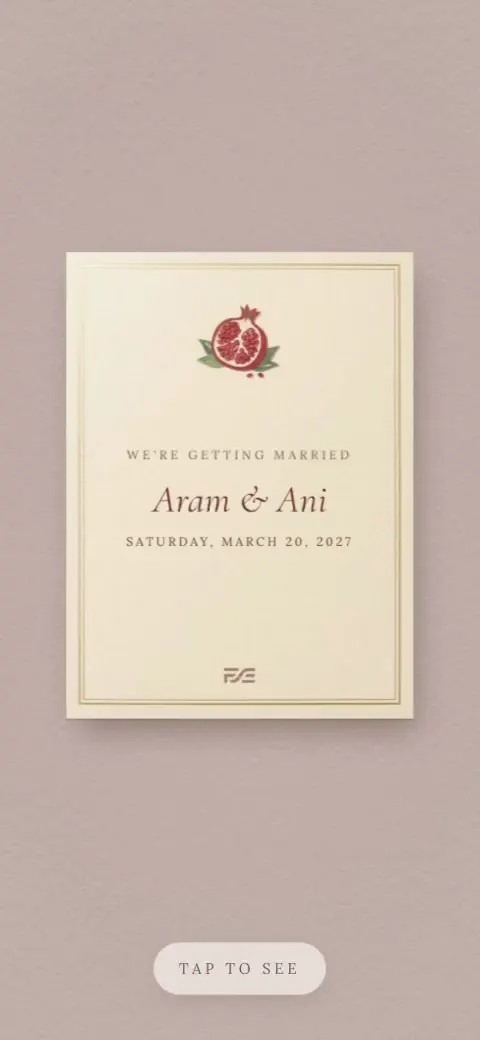
Pop-up card
AMD 9,900
Regular price AMD 21,900
Stage curtain
AMD 9,900
Regular price AMD 21,900
Day & Night
AMD 9,900
Regular price AMD 21,900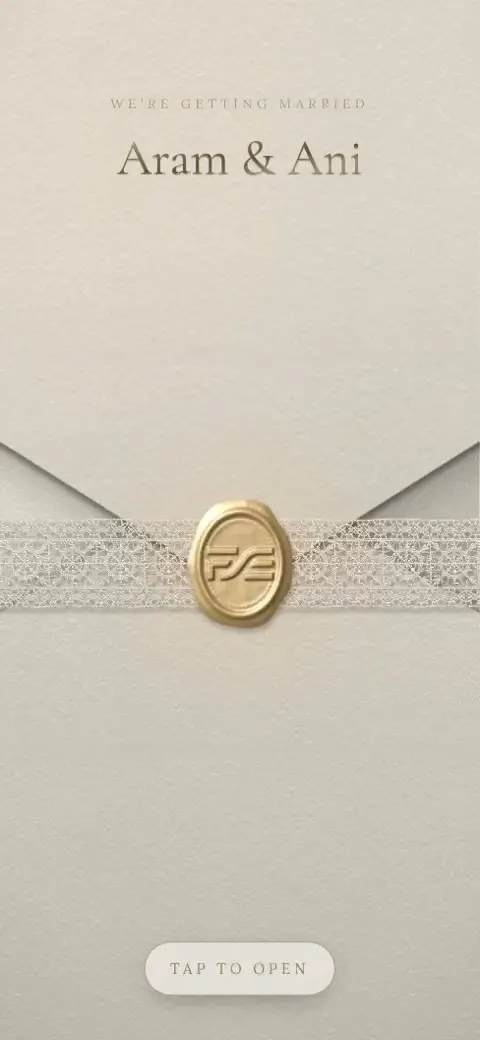
Envelope
AMD 9,900
Regular price AMD 21,900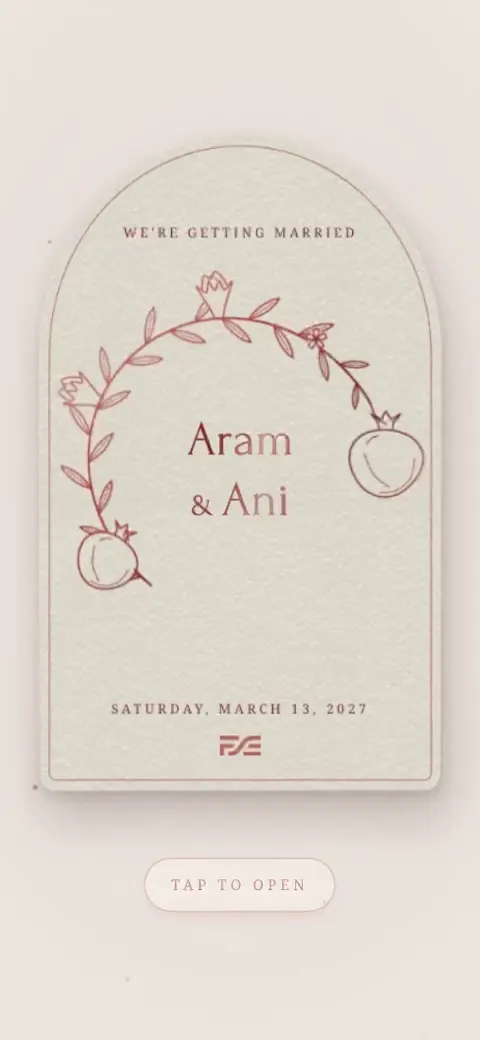
Golden drawing
AMD 9,900
Regular price AMD 21,900
Golden drawing
AMD 9,900
Regular price AMD 21,900
Retro TV
AMD 9,900
Regular price AMD 21,900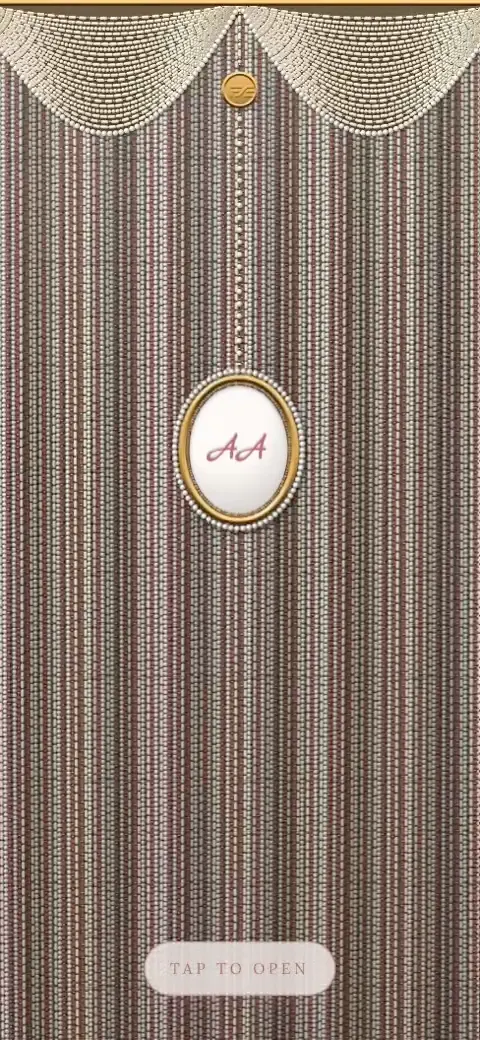
Bead curtain
AMD 9,900
Regular price AMD 21,900
Gate to Ararat
AMD 9,900
Regular price AMD 21,900
Airplane window
AMD 9,900
Regular price AMD 21,900
Petal wrap
AMD 9,900
Regular price AMD 21,900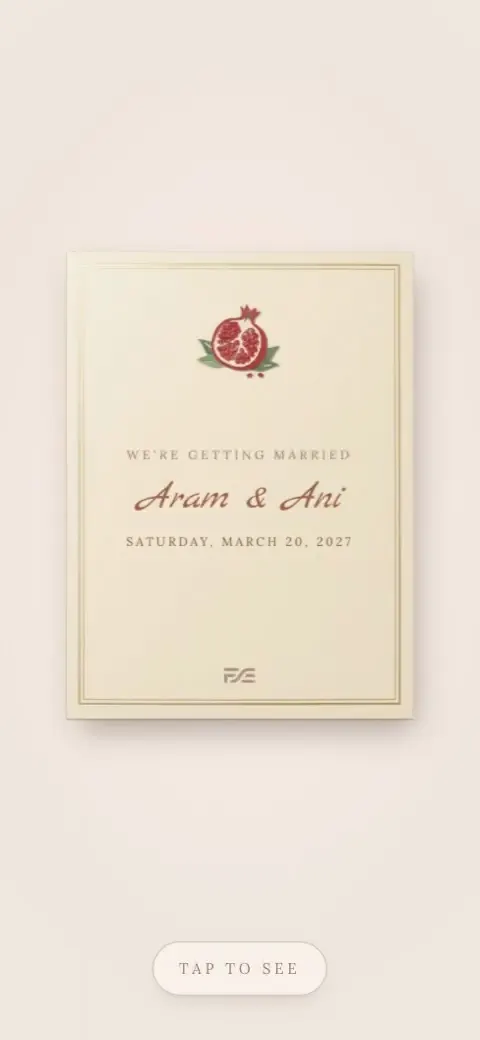
Pop-up card
AMD 9,900
Regular price AMD 21,900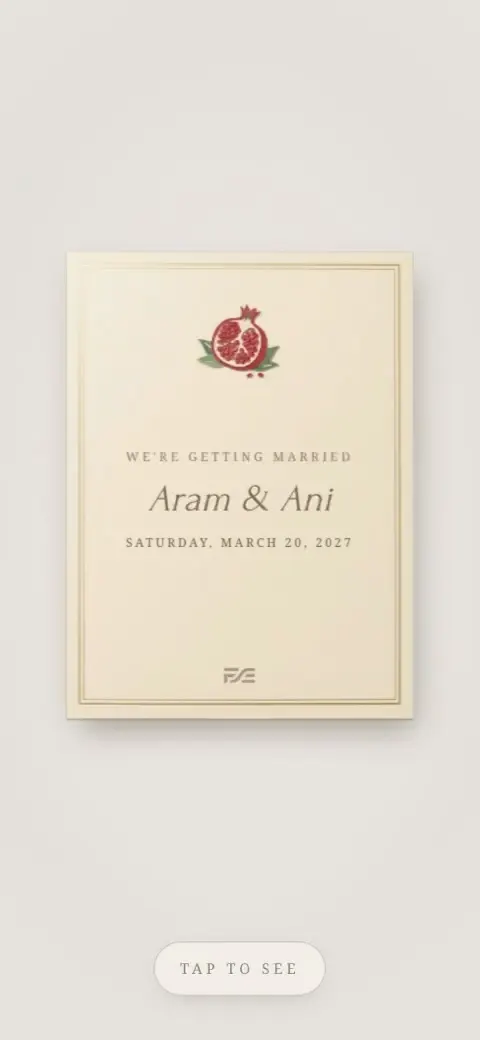
Pop-up card
AMD 9,900
Regular price AMD 21,900

Palace doors
AMD 9,900
Regular price AMD 21,900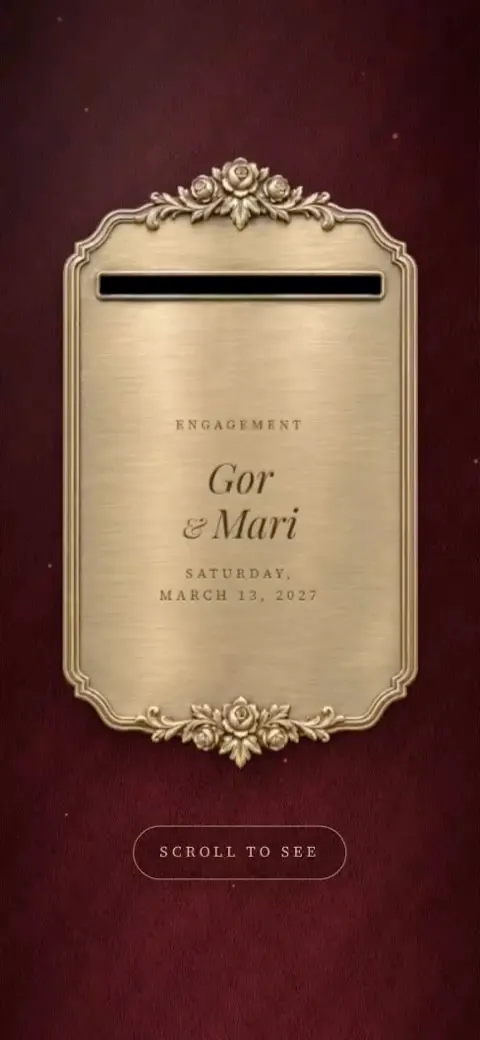
Photo booth
AMD 9,900
Regular price AMD 21,900
Scratch card
AMD 9,900
Regular price AMD 21,900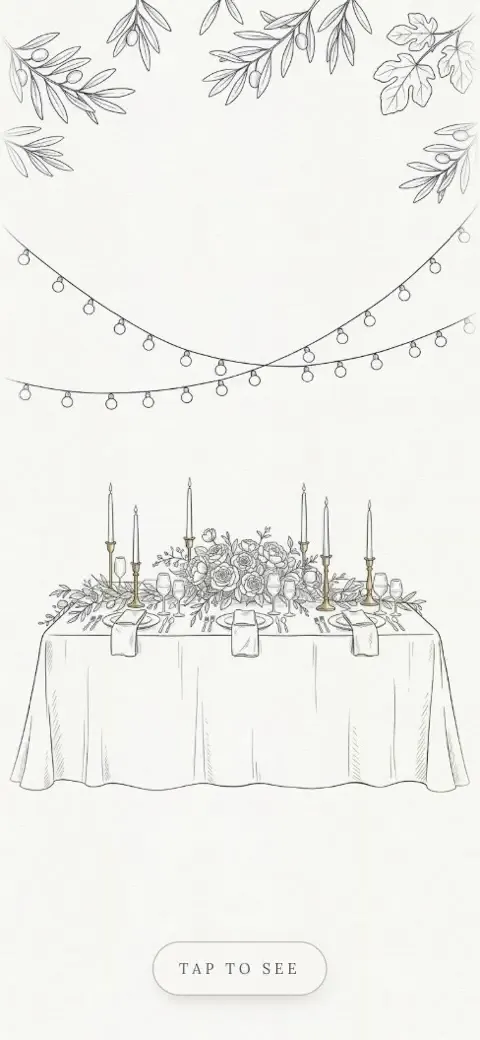
Candlelight
AMD 9,900
Regular price AMD 21,900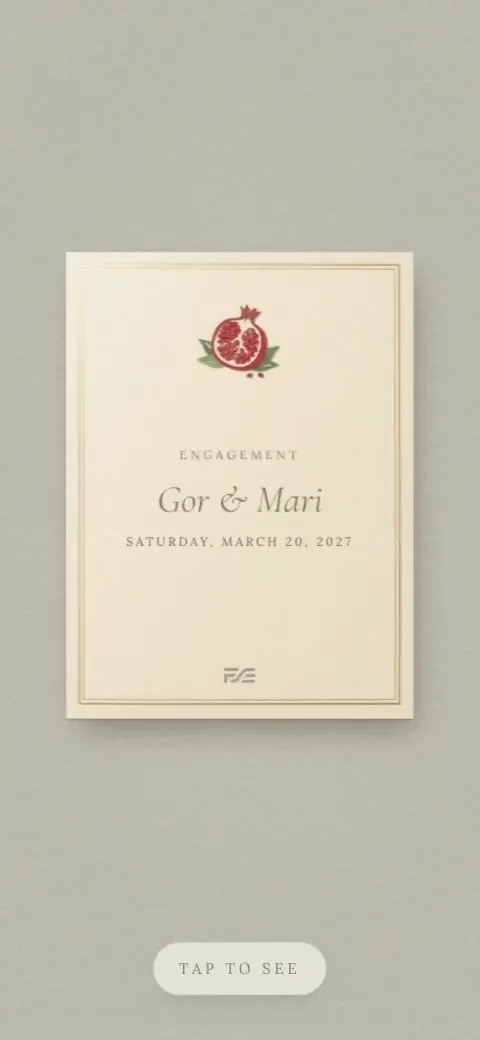
Pop-up card
AMD 9,900
Regular price AMD 21,900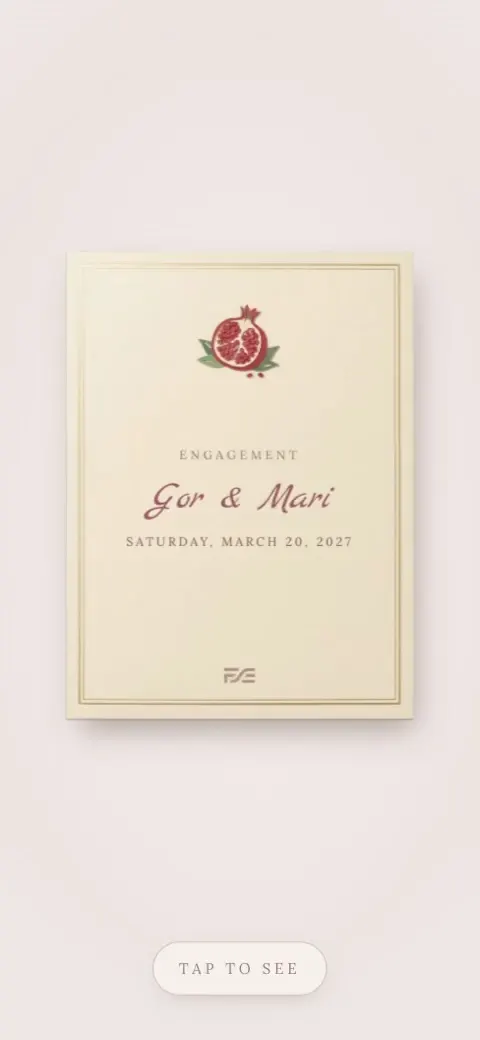
Pop-up card
AMD 9,900
Regular price AMD 21,900
Stage curtain
AMD 9,900
Regular price AMD 21,900
Envelope
AMD 9,900
Regular price AMD 21,900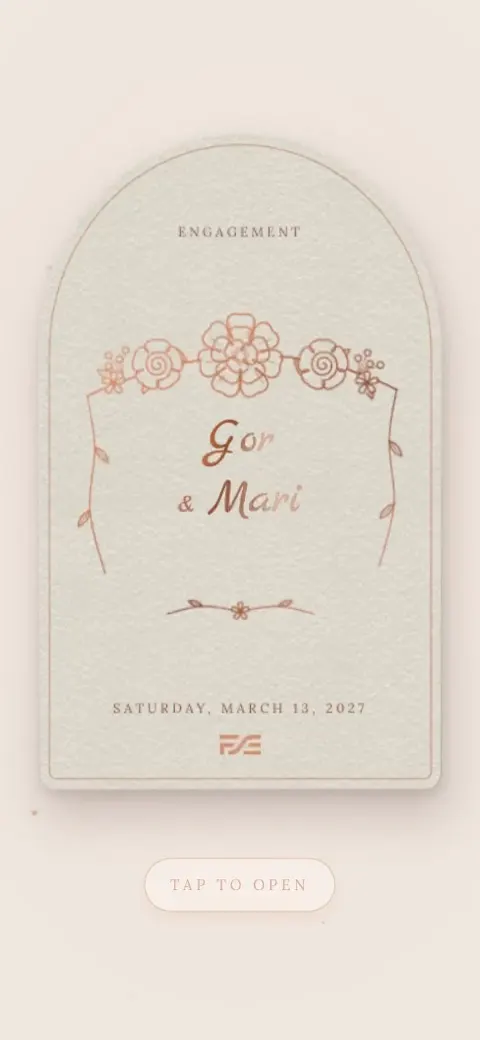
Golden drawing
AMD 9,900
Regular price AMD 21,900
Retro TV
AMD 9,900
Regular price AMD 21,900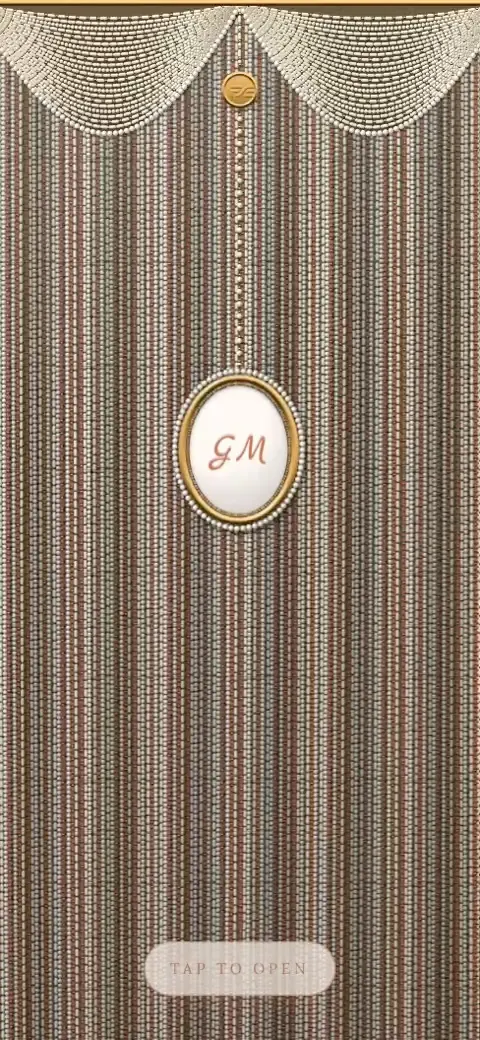
Bead curtain
AMD 9,900
Regular price AMD 21,900
Gate to Ararat
AMD 9,900
Regular price AMD 21,900
Petal wrap
AMD 9,900
Regular price AMD 21,900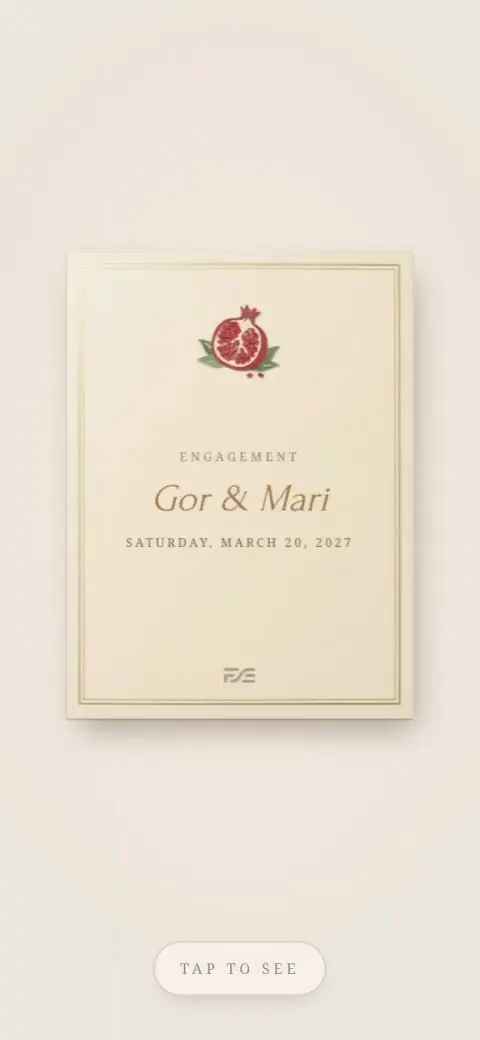
Pop-up card
AMD 9,900
Regular price AMD 21,900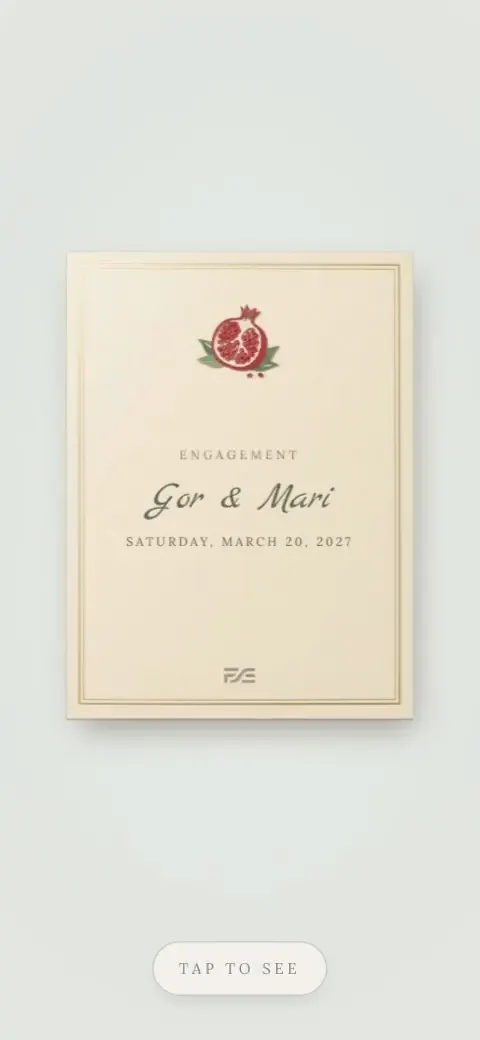
Pop-up card
AMD 9,900
Regular price AMD 21,900

Palace doors
AMD 9,900
Regular price AMD 21,900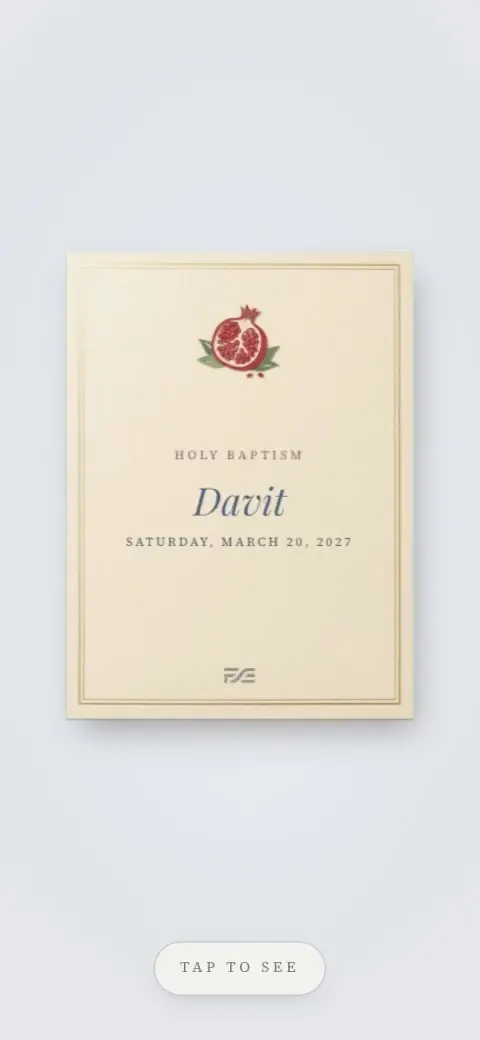
Pop-up card
AMD 9,900
Regular price AMD 21,900
Envelope
AMD 9,900
Regular price AMD 21,900
Golden drawing
AMD 9,900
Regular price AMD 21,900
Bead curtain
AMD 9,900
Regular price AMD 21,900
Gate to Ararat
AMD 9,900
Regular price AMD 21,900
Petal wrap
AMD 9,900
Regular price AMD 21,900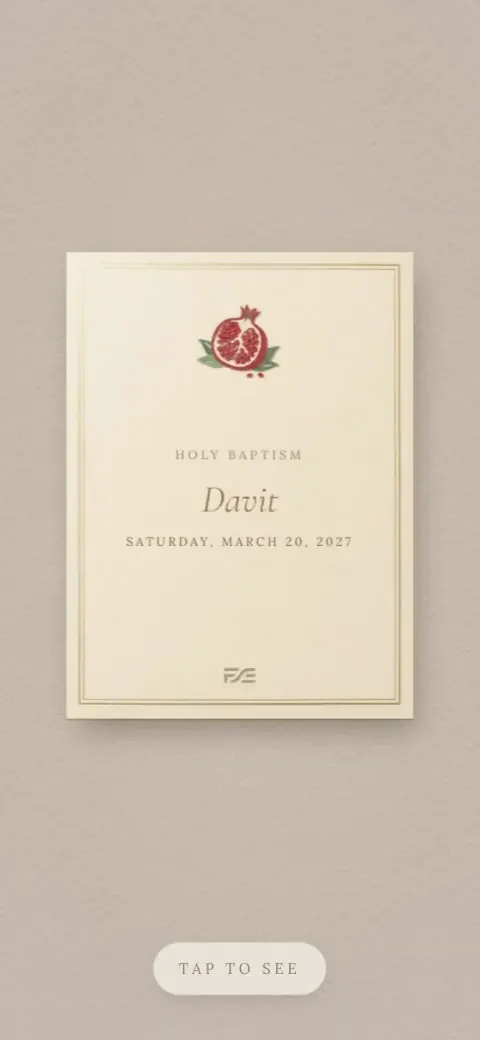
Pop-up card
AMD 9,900
Regular price AMD 21,900

Photo booth
AMD 9,900
Regular price AMD 21,900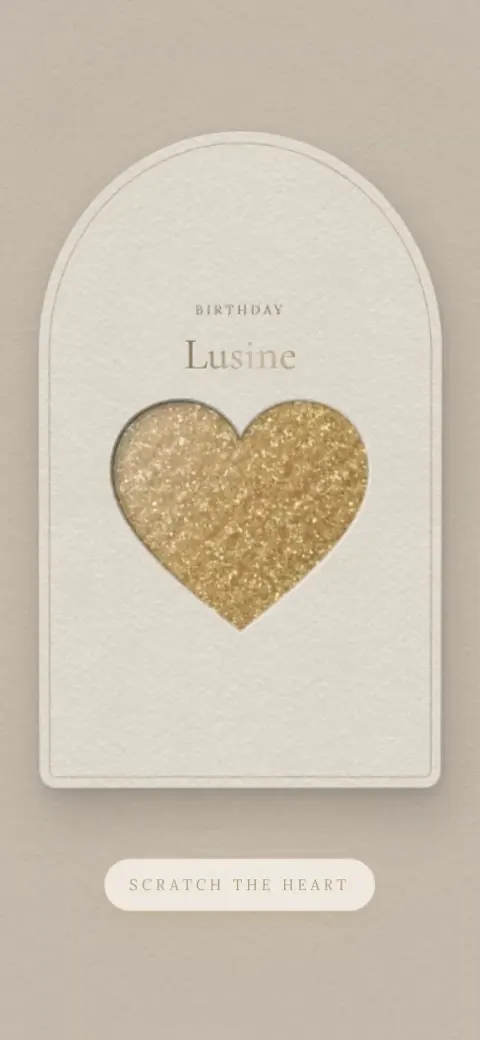
Scratch card
AMD 9,900
Regular price AMD 21,900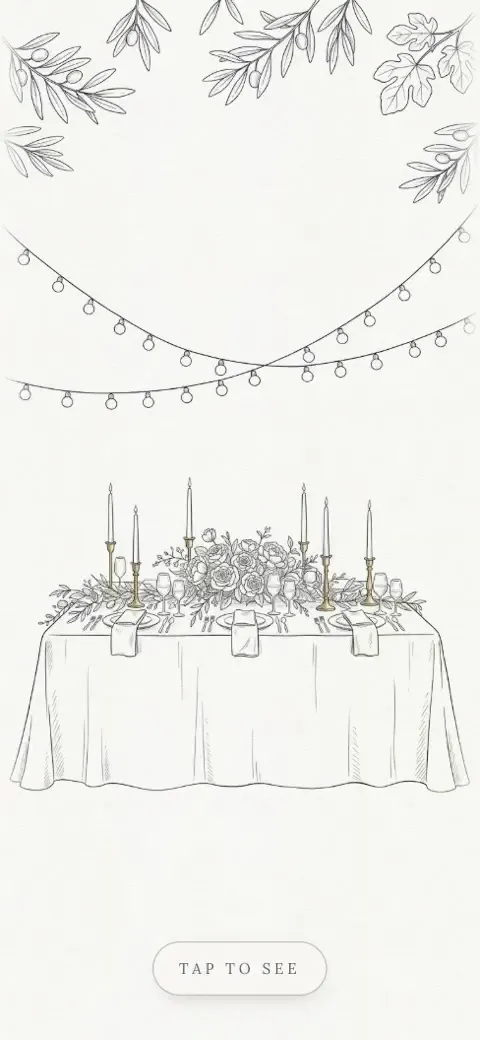
Candlelight
AMD 9,900
Regular price AMD 21,900
Pop-up card
AMD 9,900
Regular price AMD 21,900
Stage curtain
AMD 9,900
Regular price AMD 21,900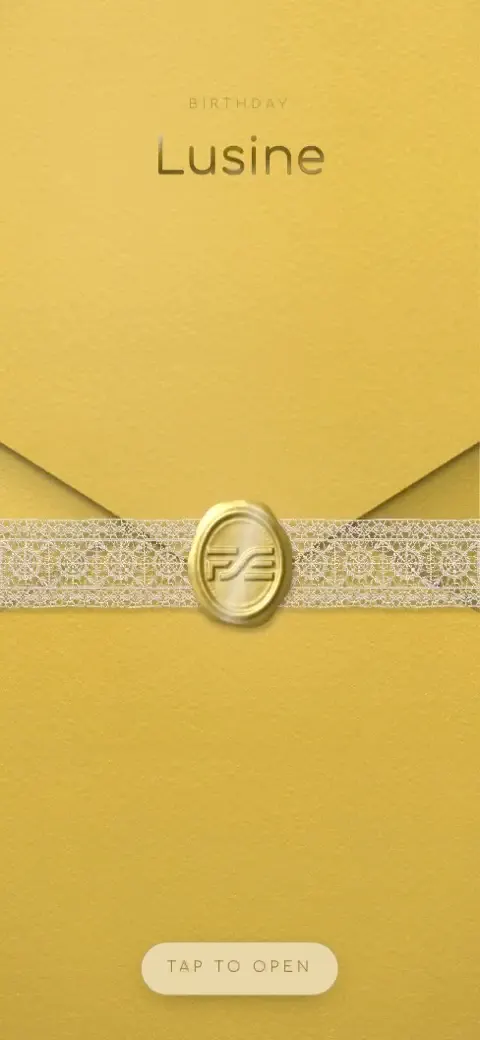
Envelope
AMD 9,900
Regular price AMD 21,900
Golden drawing
AMD 9,900
Regular price AMD 21,900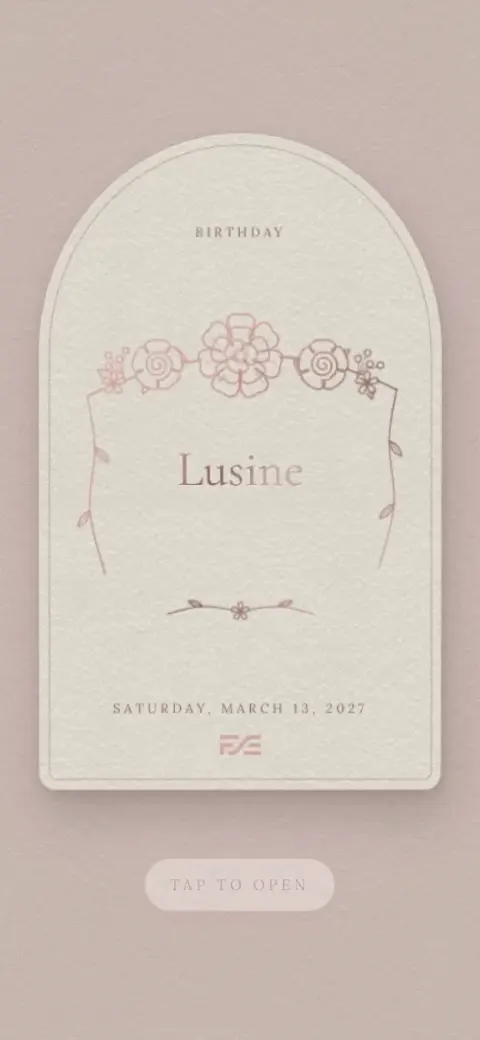
Golden drawing
AMD 9,900
Regular price AMD 21,900
Retro TV
AMD 9,900
Regular price AMD 21,900
Gate to Ararat
AMD 9,900
Regular price AMD 21,900
Airplane window
AMD 9,900
Regular price AMD 21,900
Petal wrap
AMD 9,900
Regular price AMD 21,900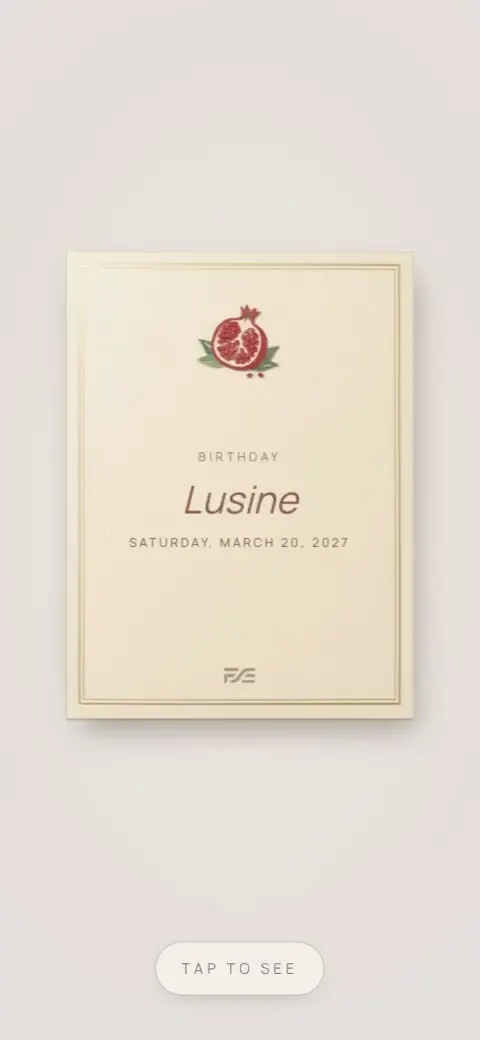
Pop-up card
AMD 9,900
Regular price AMD 21,900

Palace doors
AMD 9,900
Regular price AMD 21,900
Stage curtain
AMD 9,900
Regular price AMD 21,900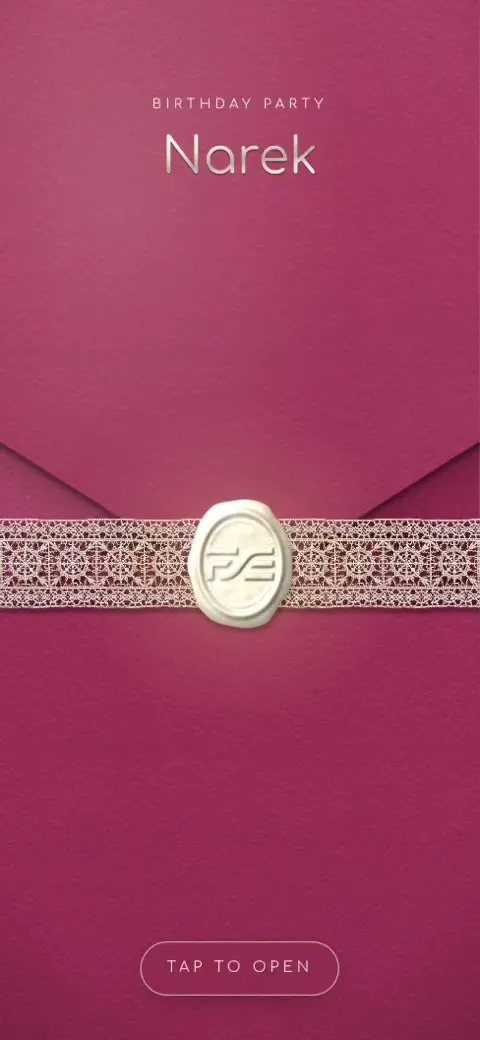
Envelope
AMD 9,900
Regular price AMD 21,900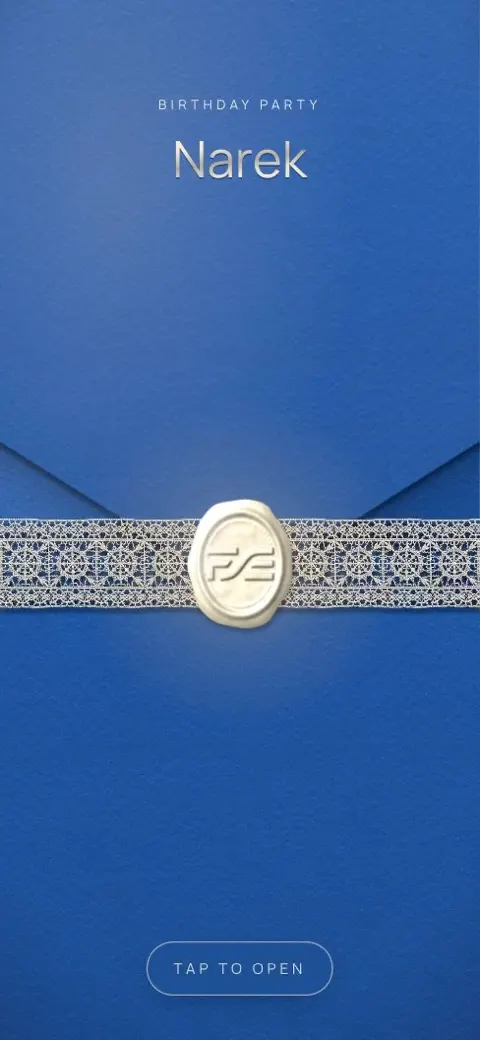
Envelope
AMD 9,900
Regular price AMD 21,900
Petal wrap
AMD 9,900
Regular price AMD 21,900

Palace doors
AMD 9,900
Regular price AMD 21,900
Envelope
AMD 9,900
Regular price AMD 21,900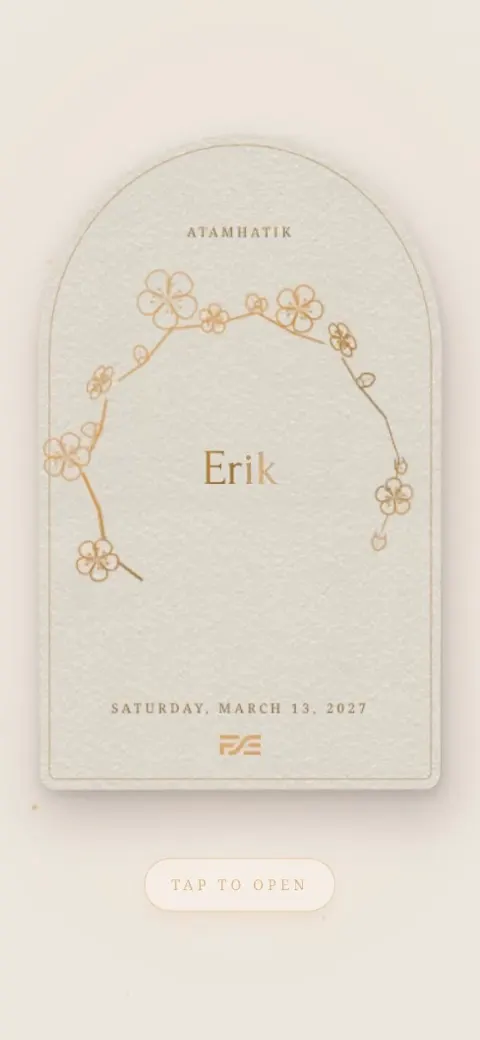
Golden drawing
AMD 9,900
Regular price AMD 21,900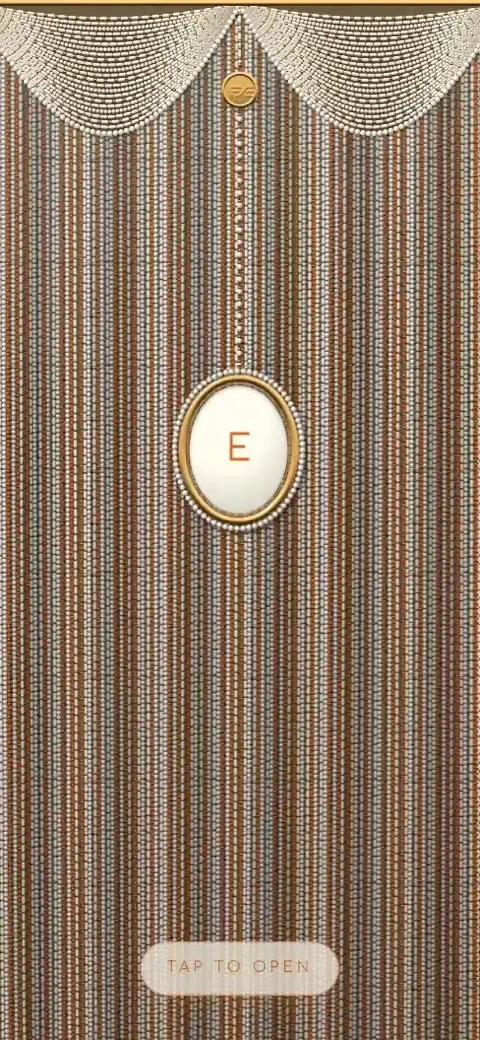
Bead curtain
AMD 9,900
Regular price AMD 21,900
Petal wrap
AMD 9,900
Regular price AMD 21,900

Palace doors
AMD 9,900
Regular price AMD 21,900
Stage curtain
AMD 9,900
Regular price AMD 21,900
Envelope
AMD 9,900
Regular price AMD 21,900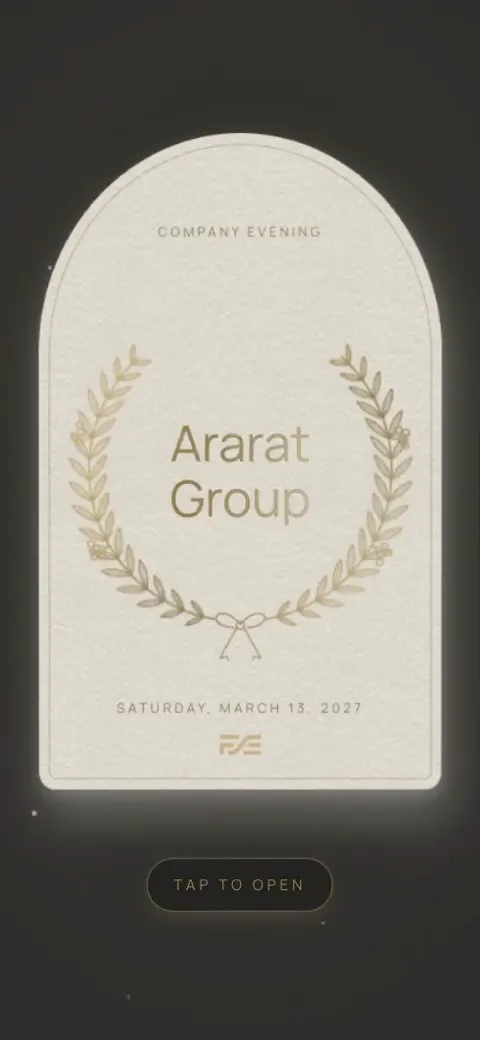
Golden drawing
AMD 9,900
Regular price AMD 21,900
Retro TV
AMD 9,900
Regular price AMD 21,900
Gate to Ararat
AMD 9,900
Regular price AMD 21,900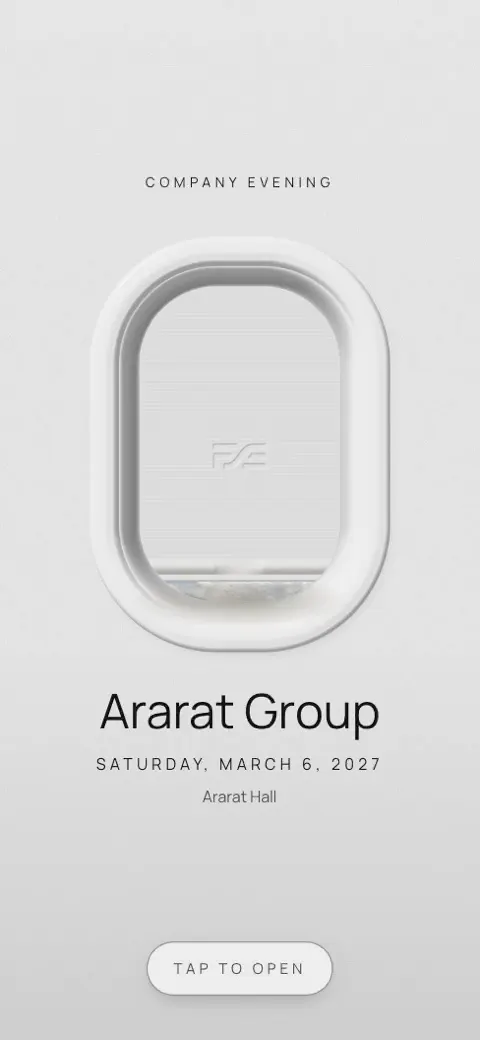
Airplane window
AMD 9,900
Regular price AMD 21,900
Petal wrap
AMD 9,900
Regular price AMD 21,900
Didn't find yours? We'll make it
Saw an invitation you love somewhere, or have an idea of your own: your church, your venue, the place you met? Write to us and we'll make it for you.
Not everything ready yet? Send a save the date first
Months before the day, when only the date is set, you can send your guests a short save the date so they keep the day free. Later it becomes the full invitation. If everything is ready already, just send the invitation.
Included in the price of the invitation.
See an example- 1
Send the date
The cover, the day, a countdown and “Add to calendar”. Only the cover needs to be filled in.
- 2
See who is likely to come
Guests answer “Most likely, yes”, “Not sure yet” or “Sadly, no”. You get an early count and know whom to call.
- 3
Send it again as the invitation
When the programme and the place are ready, switch it to the invitation and send the link again. In the chat it shows “The invitation is ready”, so there is nothing to write.
What your invitation has
Countdown and add to calendar
The days left until the big day — and into a guest's calendar in one tap.
The day's programme with maps
Bride's home, groom's home, church, hall — with times and Google and Yandex Maps links.
Dress code, photos and music
Dress-code colours, your photos and background music.
Armenian, Russian and English
One invitation in three languages, so guests from abroad understand it too.
Guests answer on the invitation
Their name, whether they're coming, whose side invited them, and who comes with them.
Answers land in your list
You link each answer to a guest on your list, and their status and seating update.
How it works
- 1
Choose a design
Pick a ready look in the gallery above and open it for your event.
- 2
Fill it in yourself
Names, date, the day's programme with maps, photos and music. Preview it at any moment exactly as your guests will see it.
- 3
Publish and send the link
Publish with Event Pro and send one link on WhatsApp, Viber or Telegram. The answers land in your guest list.
Questions? We are here
Stuck on a step, found something that doesn't work, or just want to tell us something? Write to us — we answer, and if you'd like, we'll help you put the invitation together.
Plan the rest for free
Guests, seating, tasks and budget for your event — free on Find for Event.